
August 14, 2026|CoreSignal
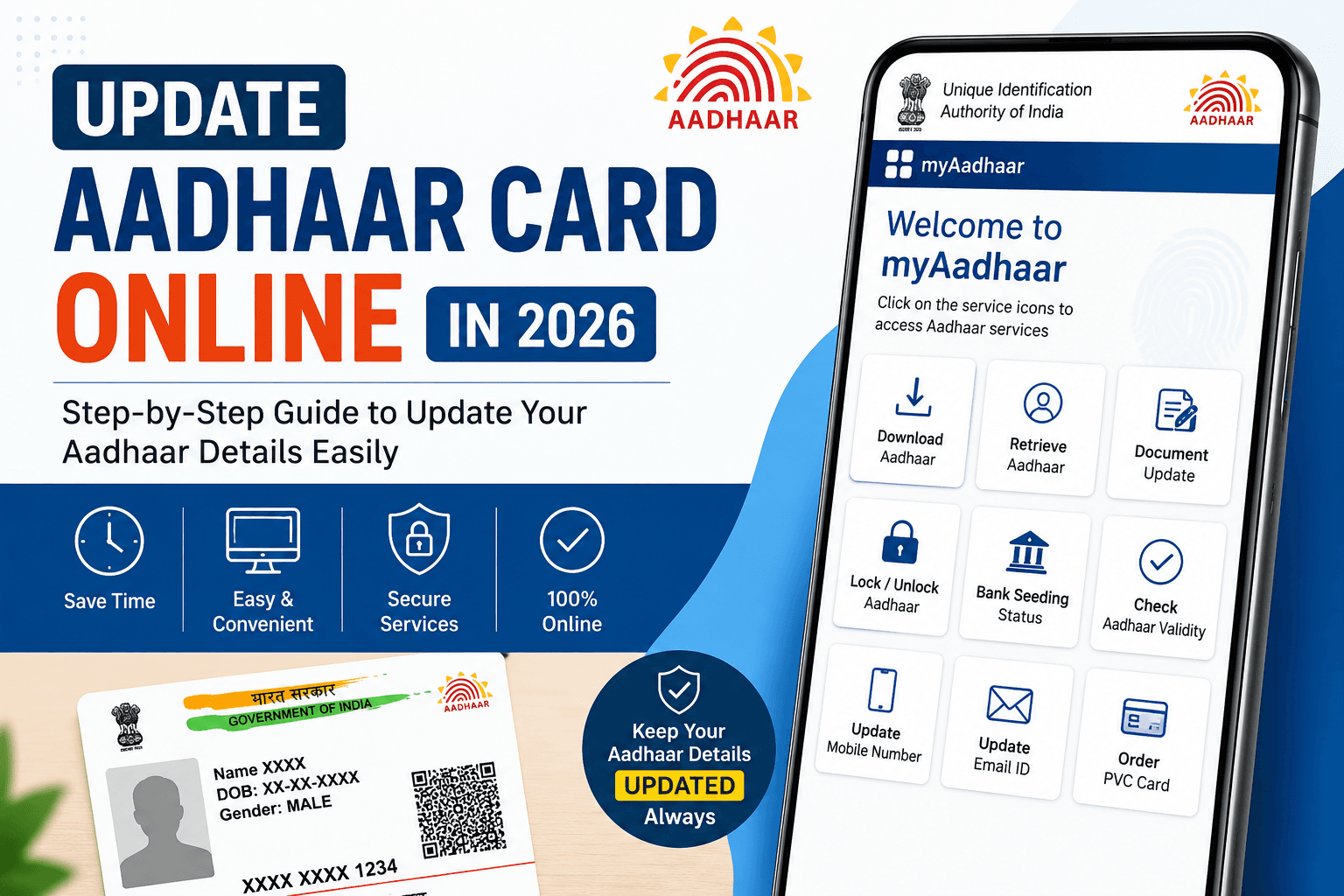
Thank you for reading this post, don't forget to subscribe!Synopsis: Update Aadhaar Card Online in 2026
Your Aadhaar card is one of the most widely used identity documents in India — required for everything from opening a bank account to filing income tax returns, applying for a passport, or receiving government subsidies. But an Aadhaar with an outdated address, an old mobile number, or a misspelled name can cause your applications to get rejected or your benefits to get delayed.
The good news: the Unique Identification Authority of India (UIDAI) lets you fix most of these issues yourself, from home, through the official myAadhaar portal. This guide walks you through exactly how to do it, what documents you’ll need, what it costs, and how to track your request.
Why One Should Update Aadhaar Card online?
Under the Aadhaar Enrolment and Update Regulations, 2016, UIDAI recommends that every Aadhaar holder update their Proof of Identity (PoI) and Proof of Address (PoA) documents at least once every 10 years from the date of enrolment. Keeping this information current:
- Reduces the chances of identity fraud linked to your Aadhaar
- Keeps your bank, PAN, mobile, and subsidy records in sync
- Prevents rejection of KYC or government scheme applications
- Ensures smoother verification for loans, SIM cards, and travel documents
What Can You Update Online vs. What Needs a Center Visit?
| Detail | Can be updated online (myAadhaar portal) | Requires Aadhaar Seva Kendra visit |
|---|---|---|
| Address | Yes | Yes (alternative option) |
| Name | Yes (minor corrections) | Yes (major changes) |
| Date of Birth | Yes (limited correction) | Yes |
| Mobile number | Yes, if a number is already linked for OTP; first-time linking requires a visit | Yes |
| Photograph | No | Yes |
| Biometrics (fingerprints, iris) | No | Yes |
| Email ID | Yes | Yes |
Since late 2025, UIDAI has expanded the online update system so that name, address, date of birth, and mobile number can generally be updated digitally, provided your mobile number is already linked to your Aadhaar for OTP verification. Biometric updates, photograph changes, and first-time mobile linking still require an in-person visit to an Aadhaar Enrolment or Update Centre.
Step-by-Step: How to Update Aadhaar Online
- Go to the official UIDAI portal — myaadhaar (accessible also via uidai).
- You can also access links to all Aadhaar services in one place by visiting our page
- By visiting myAadhaar, you can access a range of online Aadhaar services, including downloading your Aadhaar, retrieving your Aadhaar number, locking or unlocking Aadhaar biometrics, updating documents, checking bank seeding status, and more.
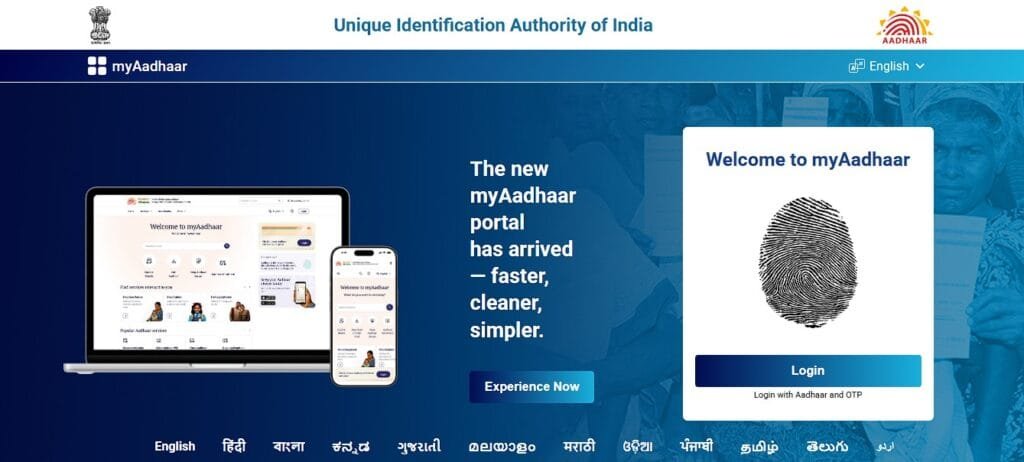
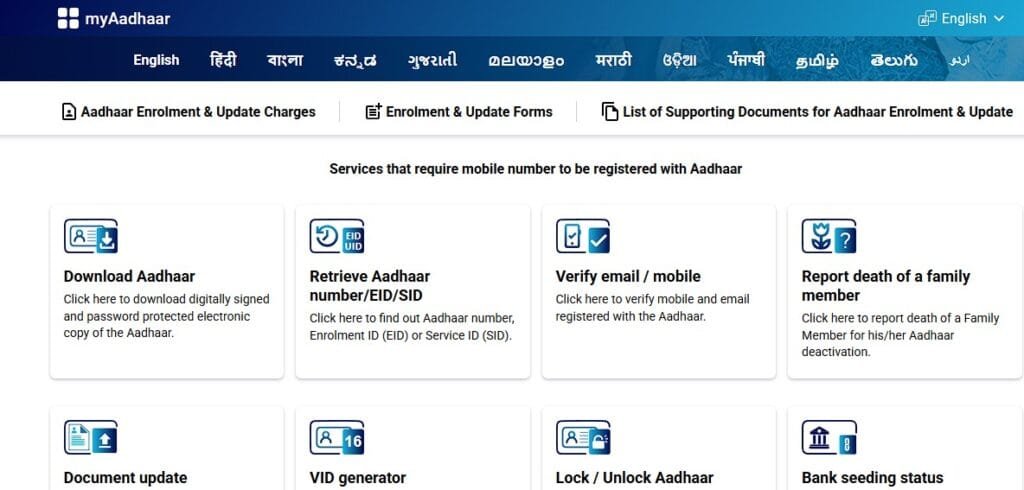
Log in using your 12-digit Aadhaar number, the captcha code, and the OTP sent to your registered mobile number.
- From the dashboard, click “Update Aadhaar” or “Document Update.”
- Select the field you want to update — address, name, date of birth, mobile number, or document re-upload.
- Enter the corrected details and upload supporting documents (JPEG, PNG, or PDF, usually under 2 MB per file).
- Review your request carefully — errors at this stage can delay processing — then submit it.
- Note down your Update Request Number (URN), also shown as an SRN in some flows. You’ll need this to track your request.
- UIDAI typically takes up to 30 days to verify and process the update. You’ll get an SMS notification once it’s approved, after which you can download your updated e-Aadhaar.
Updating Your Address Specifically
If you’ve only moved house, the address-only flow is the simplest:
- Log in to myAadhaar → select Address Update → enter the new address → upload one valid Proof of Address (utility bill, rent agreement, bank statement, passport, etc.) → confirm and submit → save your URN.
Documents You May Need
Depending on what you’re updating, keep scanned copies of any of the following ready:
- Proof of Identity (PoI): An official document that contains your name and photograph and is used to verify your identity for government services, banking KYC, and other official or legal processes. Examples include a PAN card, passport, voter ID, and driving licence.
- Proof of Address (PoA): An official document used to verify your current residential address. Common examples include an electricity or water bill, bank passbook or statement, rent agreement, passport, and ration card.
- Proof of Date of Birth: birth certificate, passport, PAN card, matriculation certificate
UIDAI has expanded its accepted-document list, and utility bills such as electricity and water bills are now valid for online address proof in many cases. Integration with PAN, passport, and ration card databases also allows some details to be auto-verified.
Are ‘Update Aadhaar Card online’ facilities Free?
This is the part that changes often, so here’s the latest picture:
- Free document (PoI/PoA) updates: UIDAI has extended the free online document update facility on the myAadhaar portal — the current window runs through 14 June 2027. This free facility covers re-uploading or refreshing your identity and address proof documents only.
- Paid demographic updates: Updating your name, address, date of birth, or mobile number (as a data change, not just a document refresh) generally attracts a fee of ₹75 online or at a center.
- Biometric updates (fingerprints, iris, photograph) at an Aadhaar Seva Kendra cost around ₹125, though these are free for children in specific age brackets (5–7 and, temporarily, 7–15 in some windows) as part of mandatory biometric update rules.
- Center visits for document submission, where eligible for the free online scheme, cost ₹75 if done offline instead of through the portal.
Because these fees and deadlines are revised periodically by UIDAI, always check the “Fee Structure” section on the official UIDAI website before paying.
How to Track Your Aadhaar Update Status
- Visit myaadhaar or uidai and select “Check Aadhaar Update Status.”
- Enter your Aadhaar number (or Enrolment ID) along with your URN/SRN.
- Enter the captcha and submit to see whether your request is in process, approved, or rejected (with a reason, if rejected).
Related Aadhaar Services You Might Need
- Download e-Aadhaar / order a PVC Aadhaar card — available from the myAadhaar dashboard
- Lock/unlock your Aadhaar biometrics — an added security feature to prevent misuse
- Link PAN with Aadhaar and check linking status — required for filing income tax returns
- Generate a Virtual ID (VID) — a temporary 16-digit number you can share instead of your Aadhaar number for extra privacy
- Locate the nearest Aadhaar Seva Kendra — via the center-locator tool on the UIDAI site, for updates that need an in-person visit
A Few Safety Reminders
- Only use the official UIDAI portal (uidai.gov.in or myaadhaar.uidai.gov.in). Third-party websites that ask for Aadhaar details or payment are not affiliated with UIDAI.
- Never share your Aadhaar OTP with anyone, including callers claiming to be from UIDAI or a bank.
- Keep your URN safe until your update is fully processed — you’ll need it if you want to raise a grievance or re-check status later.
This article reflects UIDAI policies and fee structures as publicly announced; since these are revised periodically, always confirm current deadlines and charges on the official UIDAI website before proceeding.





Name change kar dena hai