Annapurna Bhandar Status Check
Share Copy Link copied Contents Annapurna Bhandar Status Check: What the Portal Shows and What Only the Bank Can Confirm What to Keep Ready Before Checking Step-by-Step: Check Your Application Status Online What the Status Labels Mean How to Check Whether the ₹3000 Has Been Paid Approved but Money Not Received: Common Causes and Fixes…
 Spotted something off?
Queries, objections or corrections are welcome. Visit the CoreSignal homepage or Contact Us.
Annapurna Bhandar Status Check: How to See Your Application and Payment Status
Log in to the Social Registry citizen portal with a mobile number and OTP, read the status shown, and confirm the ₹3000 credit through the bank. Steps, status meanings, fixes for missing money and where to go offline.
Annapurna Bhandar applicants usually ask the same thing: has the application been approved, and when will the ₹3000 arrive? The answers sit in two different places, the Social Registry citizen portal and the bank account.
This guide shows how to check each, what the status labels mean and what to do when the money does not arrive.
Annapurna Bhandar Status Check: What the Portal Shows and What Only the Bank Can Confirm
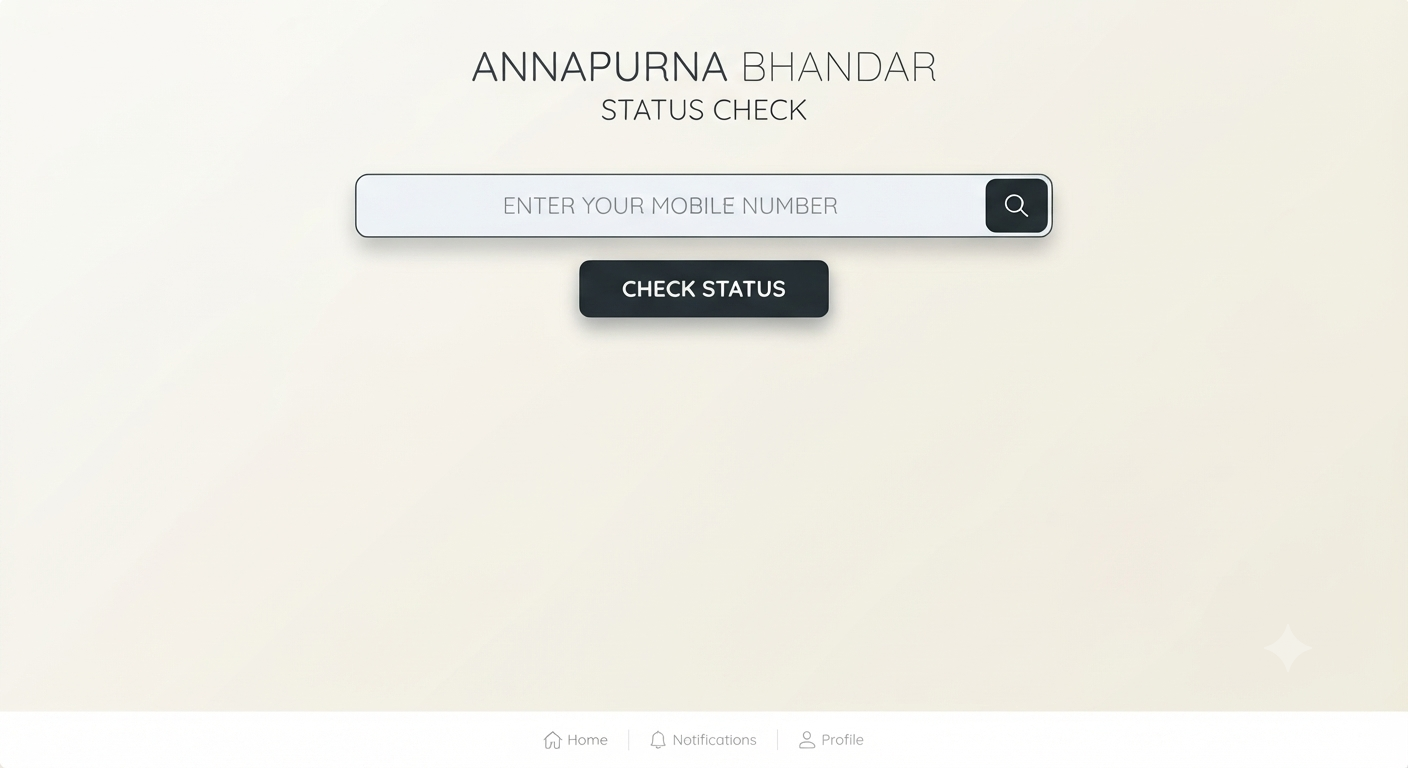
An Annapurna Bhandar status check answers two separate questions: what has happened to the application, and whether the ₹3000 has reached the bank account. The first is visible on the Social Registry citizen portal after an OTP login. The second is confirmed by the bank’s SMS and the passbook, because published guides say the portal has no separate payment tracker.
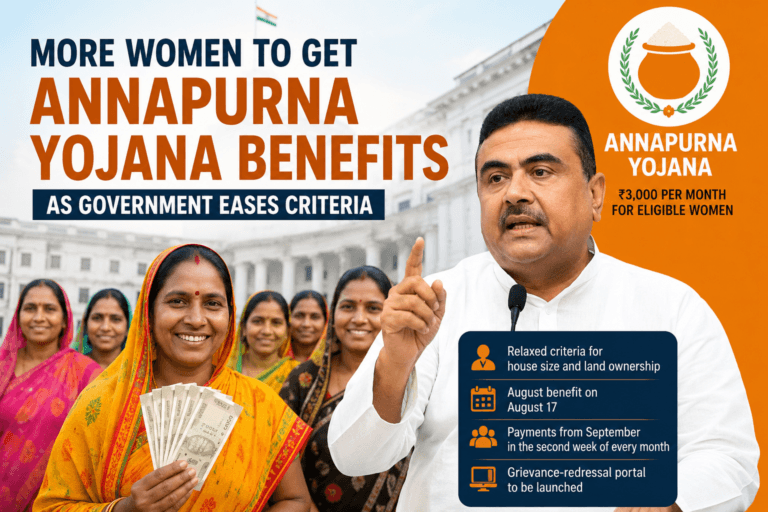
The scheme pays ₹3000 a month by direct benefit transfer to an Aadhaar-linked bank account and replaced Lakshmir Bhandar from June 2026. Eligibility and the application process are in CoreSignal’s Annapurna Bhandar guide. This page covers what comes after applying.
What to Keep Ready Before Checking
- The mobile number used on the application, since the OTP goes to it.
- The district where the application was made.
- The temporary application number or acknowledgement slip, if one was issued.
- The bank passbook, to match the account and name with Aadhaar.
A guide dated 13 November 2026 notes that login works with the mobile number and OTP, and that the application number is useful to have but is not asked for at login.
Step-by-Step: Check Your Application Status Online
- Open the official portal. Type socialregistry.wb.gov.in into the browser and confirm the address ends in .wb.gov.in.
- Choose the Citizen portal. Pick the Citizen or Family login, not the officer login.
- Select the district. It must match the one used on the application.
- Enter the mobile number and captcha. Use the number registered with the application.
- Request and enter the OTP. If the SMS does not arrive in a couple of minutes, wait and try again. The OTP is never to be shared with anyone.
- Read the dashboard. The application and its current status appear there.
If the login does not open, check the district and mobile number first. One guide says the older socialsecurity.wb.gov.in “Track Applicant” page was not loading in mid-November, and a summer report mentioned the citizen login being switched off for a time. In both cases the BDO office, the SDO office or the municipal ward office can look up the application from the Aadhaar and voter ID details.
What the Status Labels Mean
| Status shown | What it usually means | What to do |
|---|---|---|
| Application Approved | Verification is complete and the beneficiary is on the payment list | Wait for the monthly credit and the bank SMS |
| Under Enquiry or Pending at BDO | Field verification is not finished | Check again after two to four weeks, then ask the BDO, SDO or ward office |
| Application Rejected | The application failed a check, and a reason is shown | Read the reason, then use the Objection and Claim section or visit the BDO or SDO office |
| Payment Failure or Bank Account Invalid | The bank details do not match or cannot receive the transfer | Fix the Aadhaar and bank linking, then inform the BDO or SDO office |
The wording differs between guides, and the meanings above come from guides and press reports, not from a published government key. The label on the dashboard is the one to trust.
How to Check Whether the ₹3000 Has Been Paid
Payment is confirmed by the bank, not the portal. An SMS arrives when each month’s amount is credited, though SMS alerts are known to fail, so the passbook entry or bank statement is the reliable proof. Banks can take a day or two after the transfer date to show the credit.
Money goes to the account linked to Aadhaar for direct benefit transfer, which may not be the account written on the form. The linked account can be checked on the NPCI mapper at base.npci.org.in, and the bank-seeding status is visible on the myAadhaar portal of UIDAI.
Approved but Money Not Received: Common Causes and Fixes
| Cause | Fix |
|---|---|
| Aadhaar not linked for DBT, or linked to another bank | Ask the bank to link the account for DBT, and check the NPCI mapper |
| Name, age or Aadhaar details do not match the bank record | Correct them at the bank or an Aadhaar centre |
| Dormant account or pending KYC | Visit the branch, complete KYC and reactivate the account |
| Payment sent to an older account | Check all accounts that may be seeded with Aadhaar |
| Verification still pending | Contact the BDO, SDO or ward office with the application number |
| Normal batch delay | Wait a day or two and check the SMS before taking any step |
If the Application Is Rejected or Something Looks Wrong
The portal has an Objection and Claim section for disputes. After logging in, open the application, choose the claim or grievance option, describe the problem, attach the documents asked for and note the reference number and date. If nothing changes in a week or two, follow up at the BDO office for rural areas or the municipal ward office in towns.
Online submissions cannot be edited. A correction to a submitted application needs a visit to the BDO or SDO office with the temporary application number.
Offline Options: BDO, SDO, Ward Office and Duare Sarkar
- Rural areas: the Block Development Officer (BDO) office.
- Towns and cities: the Sub-Divisional Officer (SDO) office or the municipal ward office, and the Kolkata Municipal Corporation office in Kolkata.
- Camps: Duare Sarkar camps, where the scheme’s staff are present.
Carrying the Aadhaar card, the bank passbook, the acknowledgement slip or temporary application number and the registered mobile makes the visit quicker.
Fake Websites, Fees and Agents
Nobody can charge a fee for a status check, registration or releasing a payment. Sites that promise instant approval, ask for an OTP, a PIN or bank passwords, or sit on a domain other than .gov.in or .wb.gov.in should be avoided. Many unofficial sites use “Annapurna Bhandar status check” in their names and are not government pages.
Helpline and Department Address
No statewide helpline number has been published on the portal, according to the guides reviewed. The BDO, SDO or ward office is the official contact for applications, corrections and payment queries. The scheme sits with the Department of Women and Child Development and Social Welfare, Government of West Bengal, at Bikash Bhaban, Salt Lake City, Kolkata.
Official Links
Frequently Asked Questions
How can Annapurna Bhandar status be checked online?
Open socialregistry.wb.gov.in, choose the Citizen login, select the district, enter the registered mobile number and captcha, then the OTP. The dashboard shows the application status.
Is an application number needed for the Annapurna Bhandar status check?
Login works with the mobile number and OTP. The temporary application number or acknowledgement slip is useful to keep for the BDO or SDO office.
Can the ₹3000 payment status be seen on the portal?
The guides reviewed say the portal covers the application, not payments. Payment is confirmed by the bank SMS and the passbook or statement.
What does Under Enquiry or Pending at BDO mean?
Field verification is not finished. Checking again after a few weeks, then contacting the BDO, SDO or ward office, is the usual advice.
What should be done if the application is rejected?
Read the reason on the dashboard, then use the Objection and Claim section or visit the BDO or SDO office with the documents.
Why was the money not credited even though the application is approved?
The usual causes are Aadhaar not linked for DBT, a mismatch of name or details, a dormant account or pending KYC, or payment to another linked account.
How can the Aadhaar-linked bank account be checked?
Use the NPCI mapper at base.npci.org.in and the bank-seeding status on the myAadhaar portal.
Is there an Annapurna Bhandar helpline number?
No statewide helpline has been published on the portal. The BDO, SDO or municipal ward office is the official contact.
Does the status check cost anything?
No. There is no fee for a status check or for releasing a payment, and sites asking for money or an OTP should be avoided.
Can a submitted online application be edited?
No. Corrections need a visit to the BDO or SDO office with the temporary application number.
This guide was last reviewed on 21 November 2026 against published guides and press reports. The portal itself was not opened, so screen names and status labels can change, and the official portal and the local BDO or SDO office are the final word.
Disclaimer: This article is an independent guide and is not an official government page. Portal screens, status labels and rules may change. Verify details on socialregistry.wb.gov.in or with the BDO, SDO or ward office. CoreSignal is not affiliated with the Government of West Bengal.